Get the Two‑Parent Tech Plan
A complete two‑parent tech plan with scripts, worksheets, and a digital incident log so everyone knows the rules (and you’re not the bad guy).
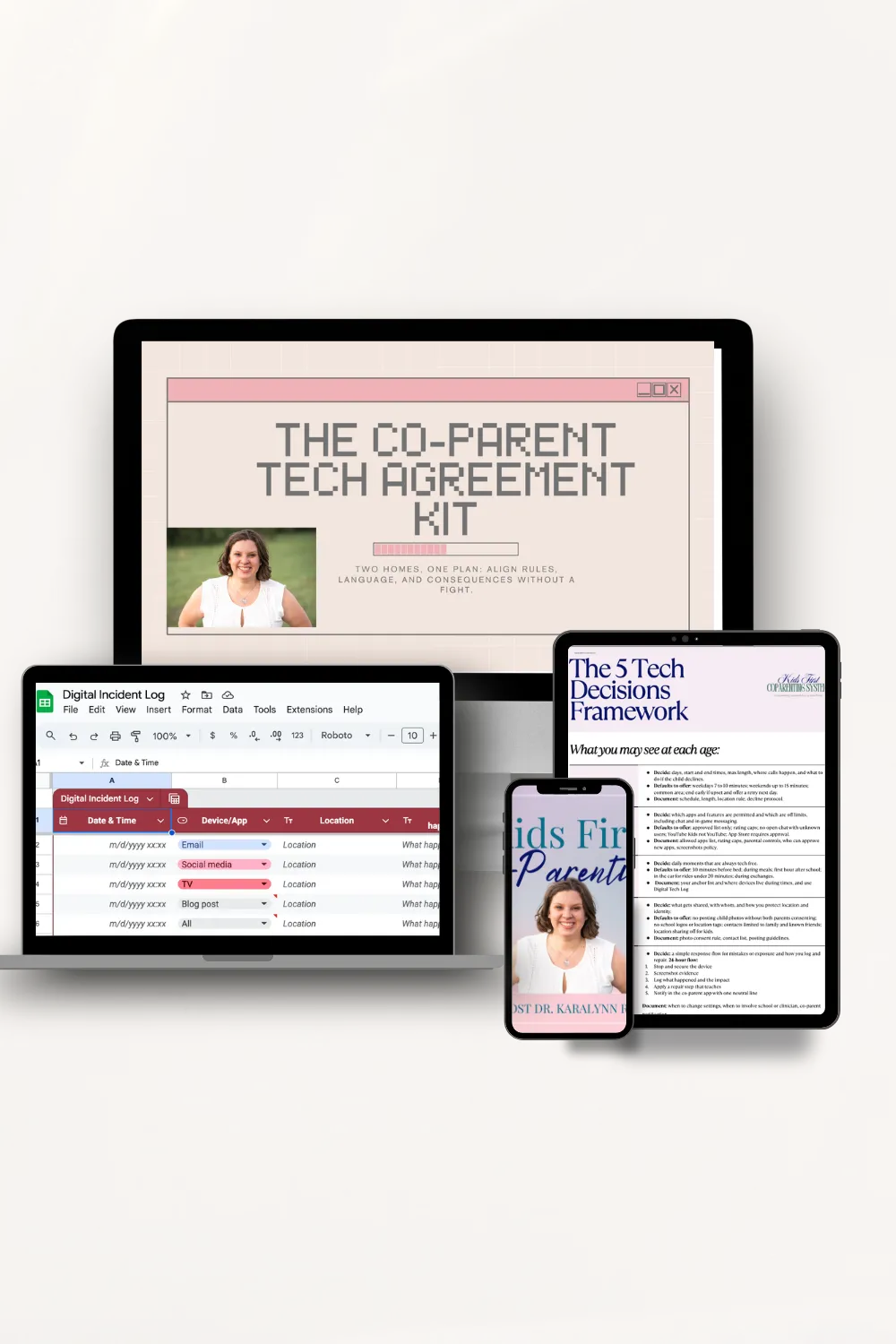
45‑Minute Recorded Webinar
Short, practical, and no fluff. You’ll learn:
The 5 Decisions for Tech Framework
How to communicate without escalation
A simple protocol for decisions and documentation
The 5 Decisions Around Tech Framework
A one‑page guide both parents can keep handy. Aligns you on topics such as platforms, times, privacy and device free time and spaces.
Digital Incident Log (Google Sheet)
Neutral, time‑stamped tracking for tech‑related incidents. You get:
Blank template (filters, date pickers, export to PDF/CSV)
Examples tab prefilled with sample entries so you can model tone and detail
Fields for what happened, impact on the child, action taken, and evidence
Co‑Parent Tech Agreement Worksheet:
A side‑by‑side agreement covering: screen‑time windows, app permissions, device locations, passcode protocol, social posting boundaries, school tech access, emergency exceptions, and travel rules. Built to be printed, signed, screenshotted, and shared.
Tech‑Related Scripts
Copy‑and‑send language for hot topics: requesting passwords, new app requests, enforcing screen‑time, social posting consent/takedowns, device purchase/repair cost splits, school tech emergencies, and inappropriate content. Each script includes core, softer, firmer, and BIFF versions.
Set it up in an afternoon
Watch the 45‑minute masterclass
Align on 3–5 non-negotiable using the Agreement Worksheet
Copy/paste your most‑used scripts into Notes (swap in names)
Duplicate the Digital Incident Log (share view access only)
Bookmark the 5 Decisions Handout on both phones
Typical setup time: 90 minutes.
Maintenance: 5–10 minutes/week.

Facetime calls have become the worst part of your day.
Text? Email? How much access it too much for a child?
How do I allow tech without 'restricting their relationship?'
Why does it work?
Clarity beats conflict. Shared, written rules reduce “interpretation fights.” Developed by a Psychologist and expert in co-parenting. The trouble spots you are worried about? Already thought of them.
Scripts lower the tension. You send words that diffuse, not make things worse. The less thought you have to put it into it, the less of your precious mental energy he gets.
Documentation that protects. A neutral record helps with coaching, mediation, or court if needed. A system you can copy and past to and start using today.
Who this is for?
Separated/divorced moms (both high‑ or low‑conflict) wanting consistent tech rules across two homes.
Moms curious about just good common sense tech rules.
Caregivers/step‑parents seeking alignment without overstepping
Who is this NOT for?
Anyone looking to spy on the other parent. (side note if this is you, Wtf?)
Folks hoping a template will “win” an argument. Not the aim here friendo. This is about making things make more sense for kids, not to battle it out more.
If your child is a teenager and has full access to social media, this will help but you're also going to need MORE on the complexities of all the things teens can do online (yikes).
Results you can count on.
Fewer messaging wars.
Faster (and easier) decisions (it's already been thought through)
Kids that are NOT in the middle
Clean records for coaching, school, or mediation
More peace on facetime calls
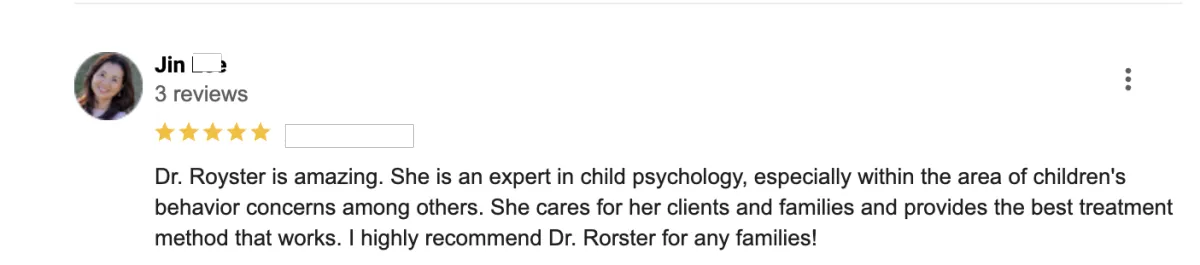
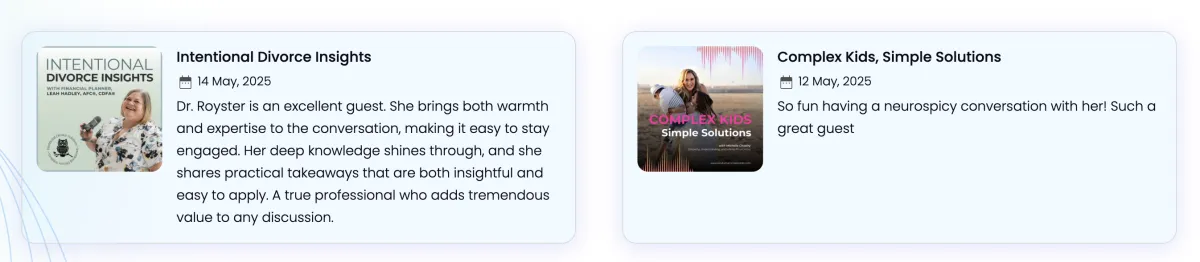
What people say about Dr. Royster

How fast can I implement?
Many parents set up the essentials in a single afternoon. Watch the replay, complete the worksheet, duplicate the log, and paste your scripts.
What if the other parent won’t cooperate?
Use the kit unilaterally to set your home’s rules, keep your tone clean, and document neutrally. Let them do whatever nonsense they want.
Is this for teens or little kids?
Both. The worksheet has age‑based toggles, and scripts include variations. Older teens will need additional tools (hello social media, yikes).
Do I need special software?
No. Everything works with Google Drive (free). PDFs are printable.
Can I share with a lawyer/mediator?
Yes. The log exports cleanly, and the language is neutral.
Refunds?
Digital product; all sales are final. If you implement and feel more stressed, email us within 7 days we’ll review your trouble spots and point you to fixes.